clapgeek logo

You must connect to the correct host . Failure to do so may result in a zero score.
[candidate@base] $ ssh ckad00027
Task
A Deployment named app-deployment in namespace prod runs a web application port 0001
A Deployment named app-deployment in namespace prod runs a web application
on port 8081.
The Deployment 's manifest files can be found at
/home/candidate/spicy-pikachu/app-deployment.yaml
Modify the Deployment specifying a readiness probe using path /healthz .
Set initialDelaySeconds to 6 and periodSeconds to 3.
You must connect to the correct host . Failure to do so may result in a zero score.
[candidate@base] $ ssh ckad00044
Task:
Update the existing Deployment busybox running in the namespace rapid-goat .
First, change the container name to musl.
Next, change the container image to busybox:musl .
Finally, ensure that the changes to the busybox Deployment, running in the
namespace rapid-goat, are rolled out.
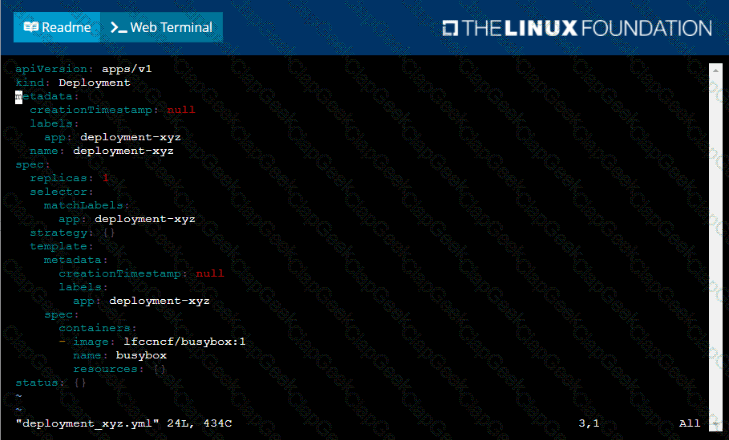
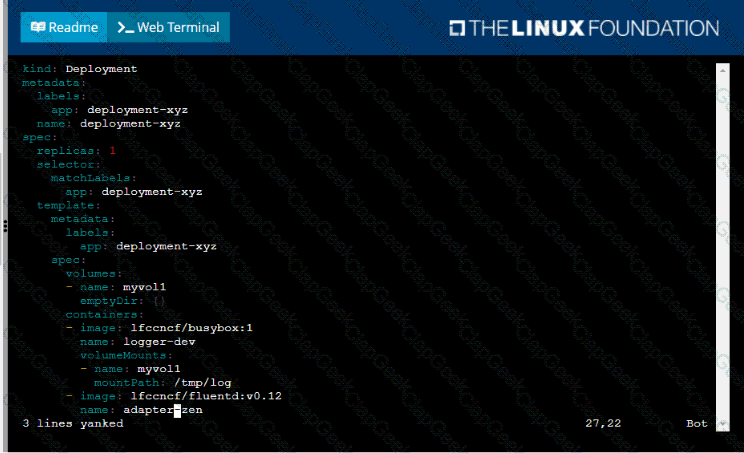
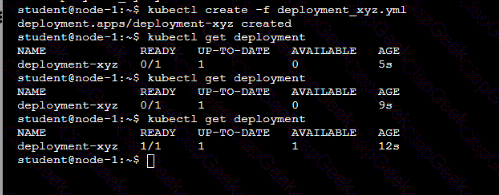
Given a container that writes a log file in format A and a container that converts log files from format A to format B, create a deployment that runs both containers such that the log files from the first container are converted by the second container, emitting logs in format B.
Task:
• Create a deployment named deployment-xyz in the default namespace, that:
•Includes a primary
lfccncf/busybox:1 container, named logger-dev
•includes a sidecar Ifccncf/fluentd:v0.12 container, named adapter-zen
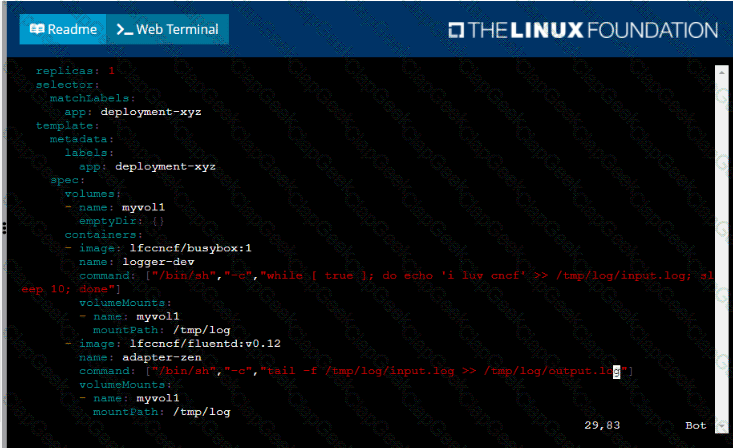
•Mounts a shared volume /tmp/log on both containers, which does not persist when the pod is deleted
•Instructs the logger-dev
container to run the command
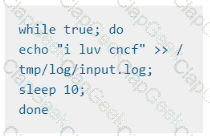
which should output logs to /tmp/log/input.log in plain text format, with example values:
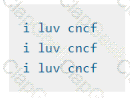
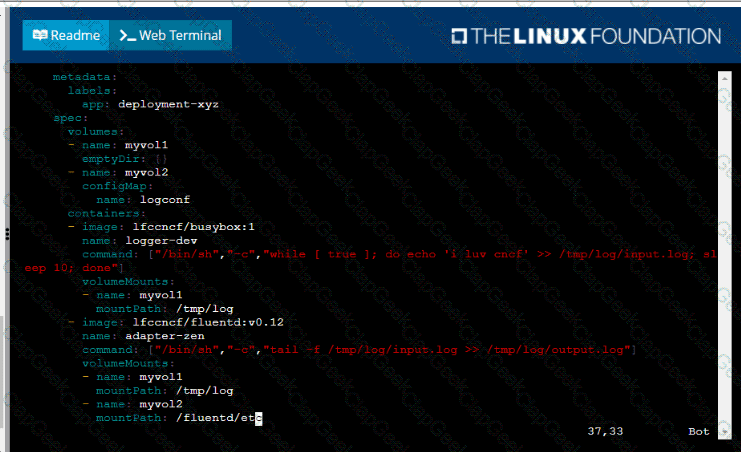
• The adapter-zen sidecar container should read /tmp/log/input.log and output the data to /tmp/log/output.* in Fluentd JSON format. Note that no knowledge of Fluentd is required to complete this task: all you will need to achieve this is to create the ConfigMap from the spec file provided at /opt/KDMC00102/fluentd-configma p.yaml , and mount that ConfigMap to /fluentd/etc in the adapter-zen sidecar container
Task
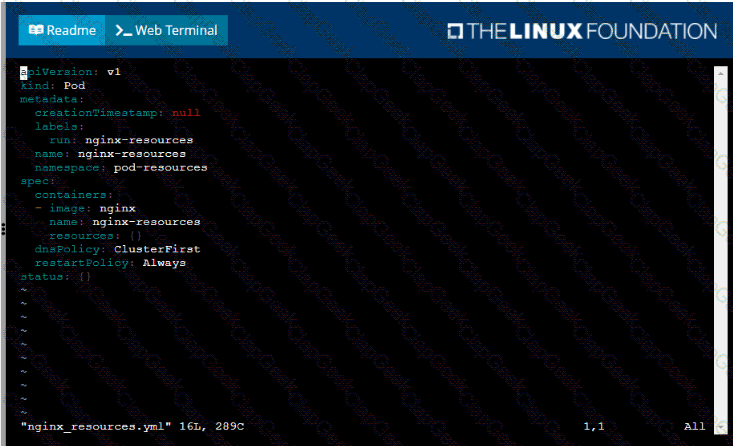
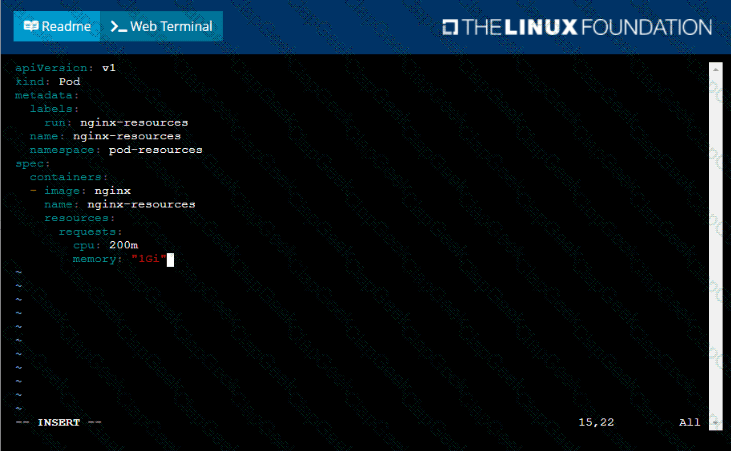
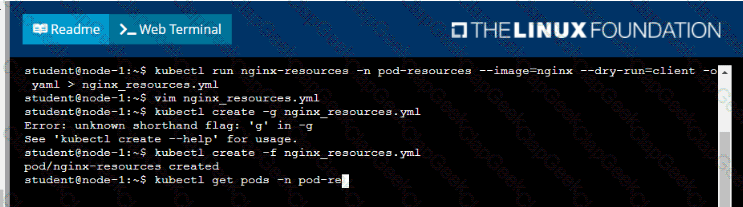
You are required to create a pod that requests a certain amount of CPU and memory, so it gets scheduled to-a node that has those resources available.
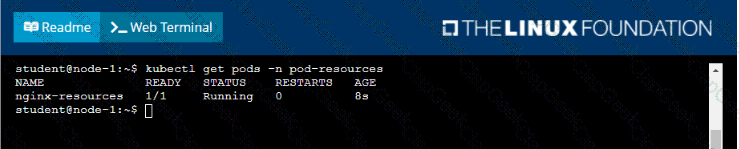
• Create a pod named nginx-resources in the pod-resources namespace that requests a minimum of 200m CPU and 1Gi memory for its container
• The pod should use the nginx image
• The pod-resources namespace has already been created
Task:
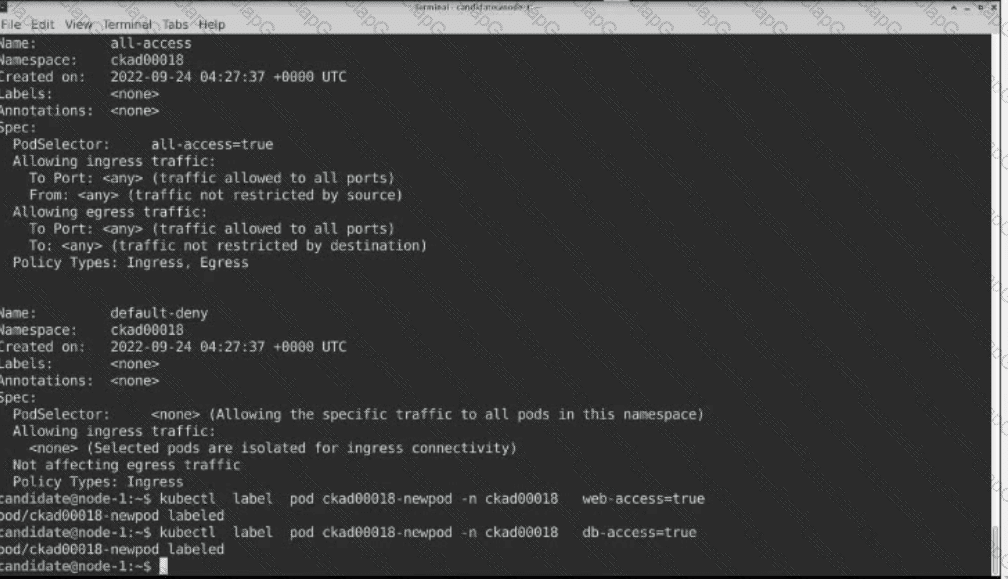
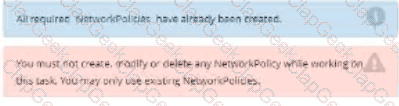
Update the Pod ckad00018-newpod in the ckad00018 namespace to use a NetworkPolicy allowing the Pod to send and receive traffic only to and from the pods web and db
Context
A project that you are working on has a requirement for persistent data to be available.
Task
To facilitate this, perform the following tasks:
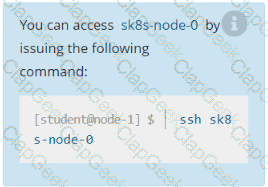
• Create a file on node sk8s-node-0 at /opt/KDSP00101/data/index.html with the content Acct=Finance
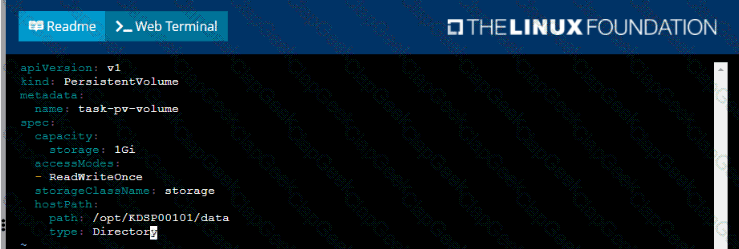
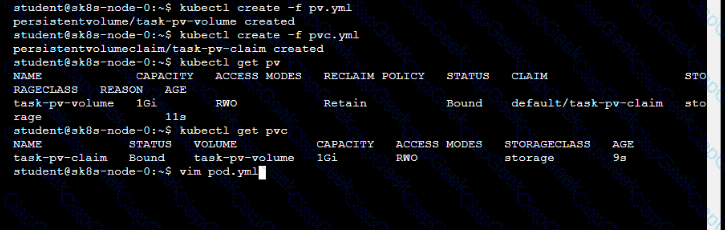
• Create a PersistentVolume named task-pv-volume using hostPath and allocate 1Gi to it, specifying that the volume is at /opt/KDSP00101/data on the cluster's node. The configuration should specify the access mode of ReadWriteOnce . It should define the StorageClass name exam for the PersistentVolume , which will be used to bind PersistentVolumeClaim requests to this PersistenetVolume.
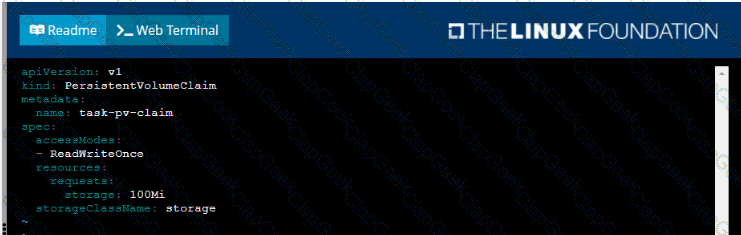
• Create a PefsissentVolumeClaim named task-pv-claim that requests a volume of at least 100Mi and specifies an access mode of ReadWriteOnce
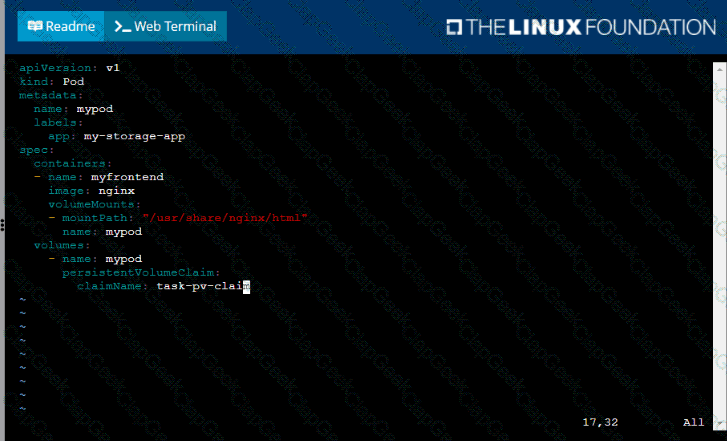
• Create a pod that uses the PersistentVolmeClaim as a volume with a label app: my-storage-app mounting the resulting volume to a mountPath /usr/share/nginx/html inside the pod
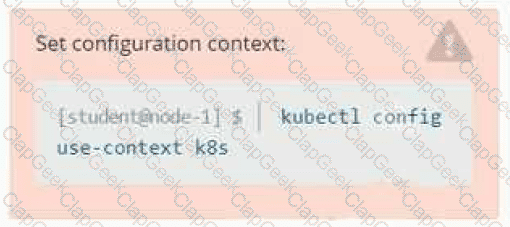
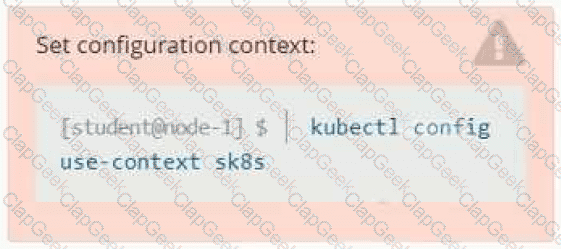
Set Configuration Context:
[student@node-1] $ | kubectl
Config use-context k8s
Context
You sometimes need to observe a pod's logs, and write those logs to a file for further analysis.
Task
Please complete the following;
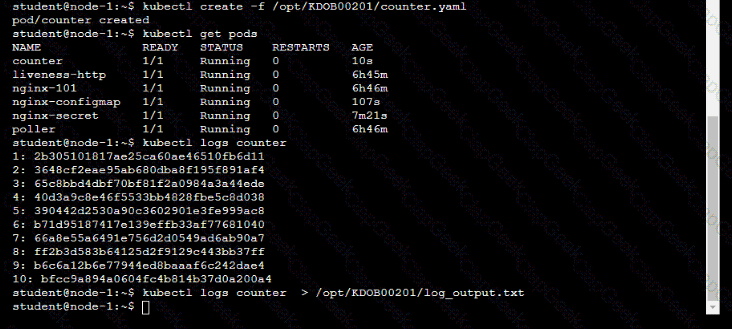
• Deploy the counter pod to the cluster using the provided YAMLspec file at /opt/KDOB00201/counter.yaml
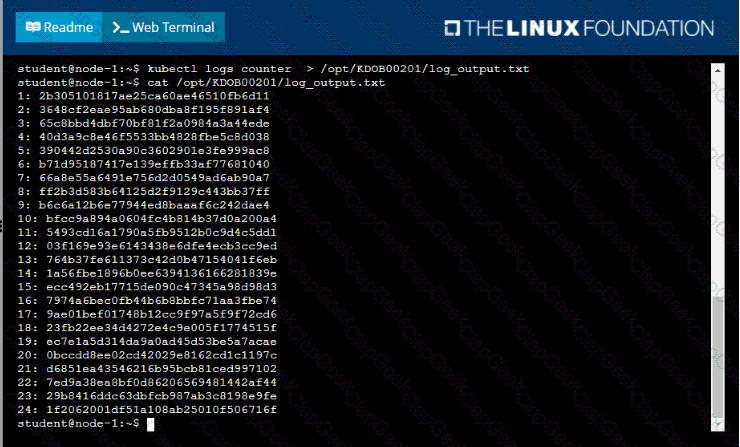
• Retrieve all currently available application logs from the running pod and store them in the file /opt/KDOB0020l/log_Output.txt, which has already been created
You must connect to the correct host . Failure to do so may result in a zero score.
[candidate@base] $ ssh ckad00032
The Pod for the Deployment named nosql in the haddock namespace fails to start because its Container runs out of resources.
Update the nosql Deployment so that the Container :
requests 128Mi of memory
limits the memory to half the maximum memory constraint set for the haddock namespace
Context
You are asked to deploy an application developed for an older version of Kubernetes on a cluster running a recent version of Kubernetes .
You must connect to the correct host . Failure to do so may result in a zero score.
[candidate@base] $ ssh ckad00026
Task
Fix any API -deprecation issues in the manitest file
/home/candidate/credible-mite/web.yaml
so that the application can be deployed on cluster ckad00026.
The application was developed for Kubernetes v1.15.
The cluster ckad00026 runs Kubernetes 1.29+.
Deploy the application specified in the updated manifest file
/home/candidate/credible-mite/web.yaml in namespace garfish .
Set Configuration Context:
[student@node-1] $ | kubectl
Config use-context k8s
Context
A container within the poller pod is hard-coded to connect the nginxsvc service on port 90 . As this port changes to 5050 an additional container needs to be added to the poller pod which adapts the container to connect to this new port. This should be realized as an ambassador container within the pod.
Task
• Update the nginxsvc service to serve on port 5050.
• Add an HAproxy container named haproxy bound to port 90 to the poller pod and deploy the enhanced pod. Use the image haproxy and inject the configuration located at /opt/KDMC00101/haproxy.cfg, with a ConfigMap named haproxy-config, mounted into the container so that haproxy.cfg is available at /usr/local/etc/haproxy/haproxy.cfg. Ensure that you update the args of the poller container to connect to localhost instead of nginxsvc so that the connection is correctly proxied to the new service endpoint. You must not modify the port of the endpoint in poller's args . The spec file used to create the initial poller pod is available in /opt/KDMC00101/poller.yaml
Task:
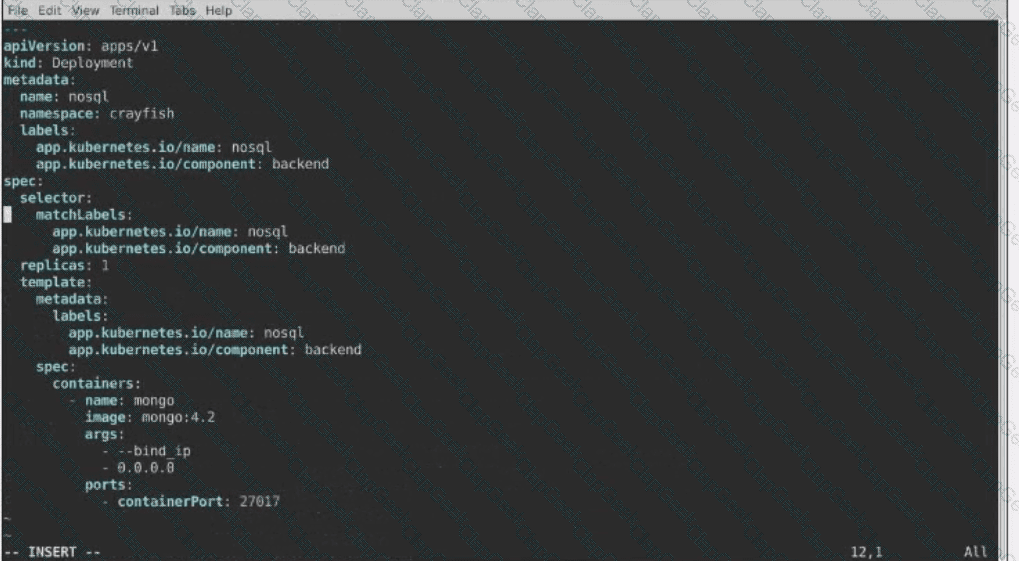
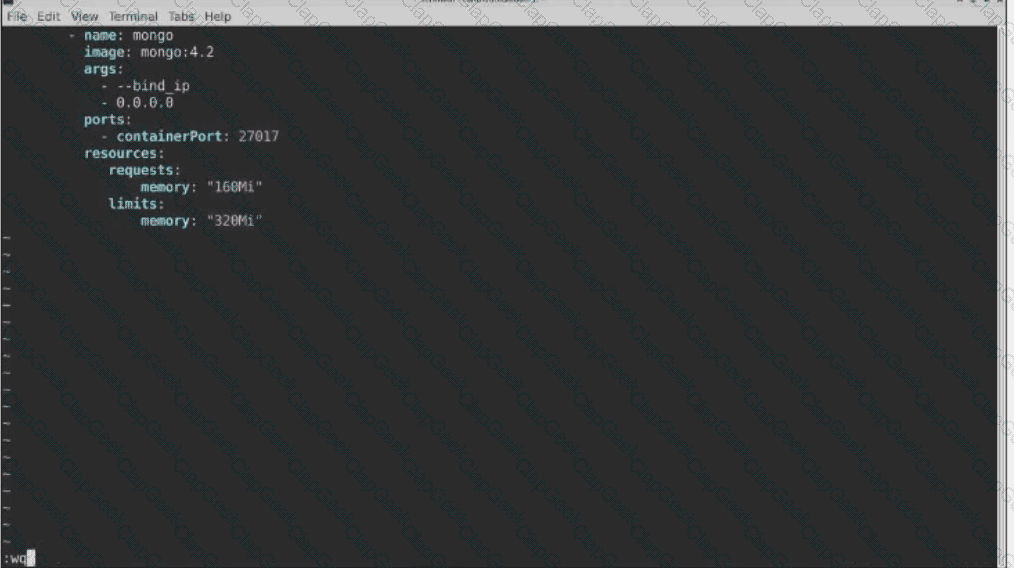
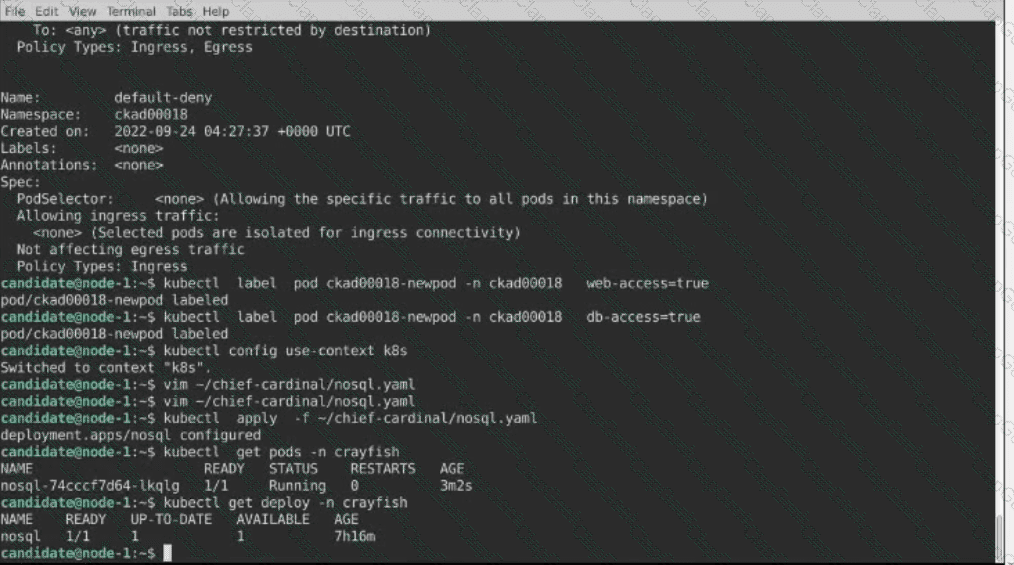
The pod for the Deployment named nosql in the craytisn namespace fails to start because its container runs out of resources.
Update the nosol Deployment so that the Pod:
1) Request 160M of memory for its Container
2) Limits the memory to half the maximum memory constraint set for the crayfah name space.





TESTED 15 Sep 2026